
Your website is often the first impression a customer gets, and it rarely gets a second chance. Visitors decide within seconds whether you look trustworthy, whether you offer what they need, and whether contacting you will be easy. Getting the small business website essentials right is what turns those quick glances into phone calls and booked jobs. This guide covers what to include, what to skip, and how to know whether your current site measures up.
Small Business Website Essentials: The Short List
Before we go page by page, here is the quick version. Every site that does its job should have:
• A clear headline that says what you do and where
• Contact details that are easy to find
• Pages for each core service
• Proof that real customers trust you
• A layout that works on a phone
• Fast loading times and a secure connection
Miss any of these and visitors will notice, even if they can’t say why. The sections below explain how to cover each one.
Essential Pages for a Business Website
Most small companies don’t need a hundred pages. They need the right ones, built well.
Home page. Treat it as a front door. In a few lines, explain who you serve, what you offer, and what to do next. A single, obvious button, such as “Call now” or “Request a quote,” beats five competing options.
Services pages. Give each major service its own page rather than listing everything on one. This helps customers find exactly what they want, and it gives search engines a specific page to show for each type of search. Describe the problem you solve, how you work, and what the customer can expect.
About page. People hire people. Share who runs the business, how long you’ve operated, and what you care about. A real photo of your team does more than a stock image ever will.
Contact page. List your phone number, email, address, and hours. Add a short form for people who’d rather write than call. Keep the form to a few fields, since every extra box costs you leads.
Reviews or portfolio page. Show finished work, before-and-after photos, and customer feedback. Specific stories carry more weight than general praise.
Small Business Website Features That Earn Trust
Pages give a site its shape. Features give it credibility. A handful of small business website features make the biggest difference.
First, a visible phone number at the top of every page, tappable on mobile. Second, a secure connection, which shows as a padlock in the browser. Third, customer reviews placed near the places where visitors make decisions, such as service pages and the contact form. Fourth, simple navigation with a clear menu, so no one has to hunt for the page they want.
Add a Google Business Profile link and your service area if you work locally. Those details help both customers and search engines understand where you operate.
Why Small Business Website Design Matters
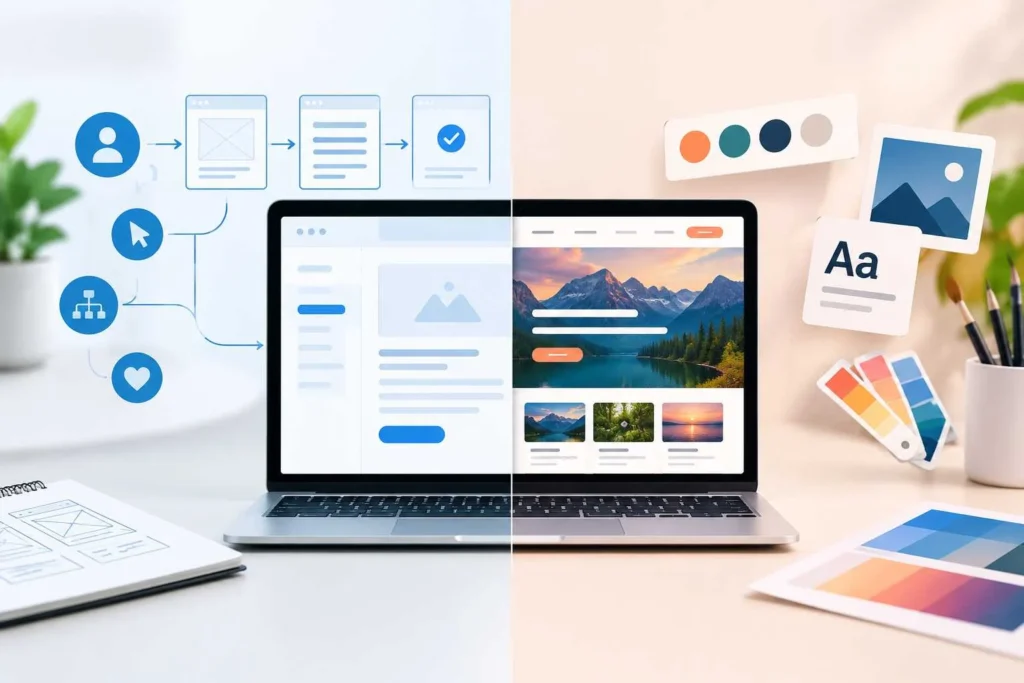
Good design isn’t about flashy effects. It’s about making the next step obvious. Strong small business website design follows a few plain principles.
Keep the layout clean, with plenty of white space and readable text. Use two or three colors and stick to them. Choose photos of your actual work, your team, and your town. And make sure every page has one main job, so visitors never wonder what to do next.
Most visitors will arrive on a phone, so test your pages on a small screen before anything else. If buttons are hard to tap or text is tiny, fix that first.
What Search Engines Want to See
A beautiful site that nobody finds won’t help your business. Search visibility is one of the small business website essentials that owners overlook, and a few basics give you a head start.
Give each page a unique title and a short description that reflects what it covers. Use headings to organize content, with one main heading and logical subheadings below it. Write in the words your customers use, not industry jargon. Add descriptive text to images so search engines and screen readers know what they show.
Speed matters too. Compress large photos, remove plugins you don’t use, and choose reliable hosting. Slow pages frustrate visitors and push them back to the search results.
Common Mistakes to Avoid
Even well-meaning owners fall into a few traps. Watch for these:
• Stock photos that make you look like every competitor
• Pages filled with promises but no proof
• Hidden or outdated contact details
• Giant blocks of text with no breaks
• A site that was built once and never updated
Nearly every item here comes from skipping the small business website essentials in favor of looks alone. Treat your website as a living part of the business. Update your services, add new work, and refresh your reviews regularly.
How to Check Your Own Site
Here is a simple test. Open your website on your phone and imagine you’re a stranger. Can you tell what the company does within five seconds? Can you find a phone number without scrolling? Do the pages load quickly? If the answer to any of these is no, you’ve found your first fix.
Then compare your pages against the small business website essentials above and note the gaps. Check that every one of the essential pages for a business website exists and answers a real question. Start with the gaps that affect customers most, such as contact details and mobile layout, then work your way down the list. Even one or two fixes a month will make a visible difference over a year.
Need a Website That Works Harder?
If your site feels dated, or you aren’t sure what’s missing, Pro Construct Digital can help. We’re a Utah team that designs and improves websites for local businesses, with a focus on sites that look professional and bring in real inquiries.
Contact us at Pro Construct Digital at 801-252-5365 or visit proconstructdigital.com to talk about what your website needs.